
A printer at a business centre in Surulere once refused to print a client's merged document because "the pages are fighting each other" — some A4, some Letter, one stray Legal. He was being dramatic, but the problem was real. Here is what page sizes actually are, and how to make a document behave.
What "page size" actually means
Every PDF page carries an explicit physical size. The three you will meet in Nigeria:
- A4 (210 x 297 mm) — the global standard, and what virtually every Nigerian office, school, portal and printer expects.
- US Letter (216 x 279 mm) — slightly wider and shorter. Common in documents from American software defaults.
- US Legal (216 x 356 mm) — the long one, used for contracts in some jurisdictions.
A document mixes sizes the moment pages come from different sources: a Word cover page (A4), a scanned certificate (whatever the scanner decided), a photo-turned-PDF (the phone sensor's size). Each page still displays fine on screen. The trouble starts when the document is printed, bound or uploaded.





Why mixed sizes cause real problems
Printing. A printer loaded with A4 must scale or crop anything that is not A4. Letter pages get white bands or clipped edges; Legal pages get shrunk until they are visibly smaller than the rest of the document.
Binding and submission. A proposal with three page sizes looks unfinished in hand. Reviewers notice — not consciously, but the document reads as careless.
Portals and validators. Some upload systems check page dimensions against expected standards and quietly reject or misrender odd sizes.
Merging. Combine mismatched files and the inconsistency is frozen into one document, usually discovered by the recipient, not by you.
Standardising with the tool
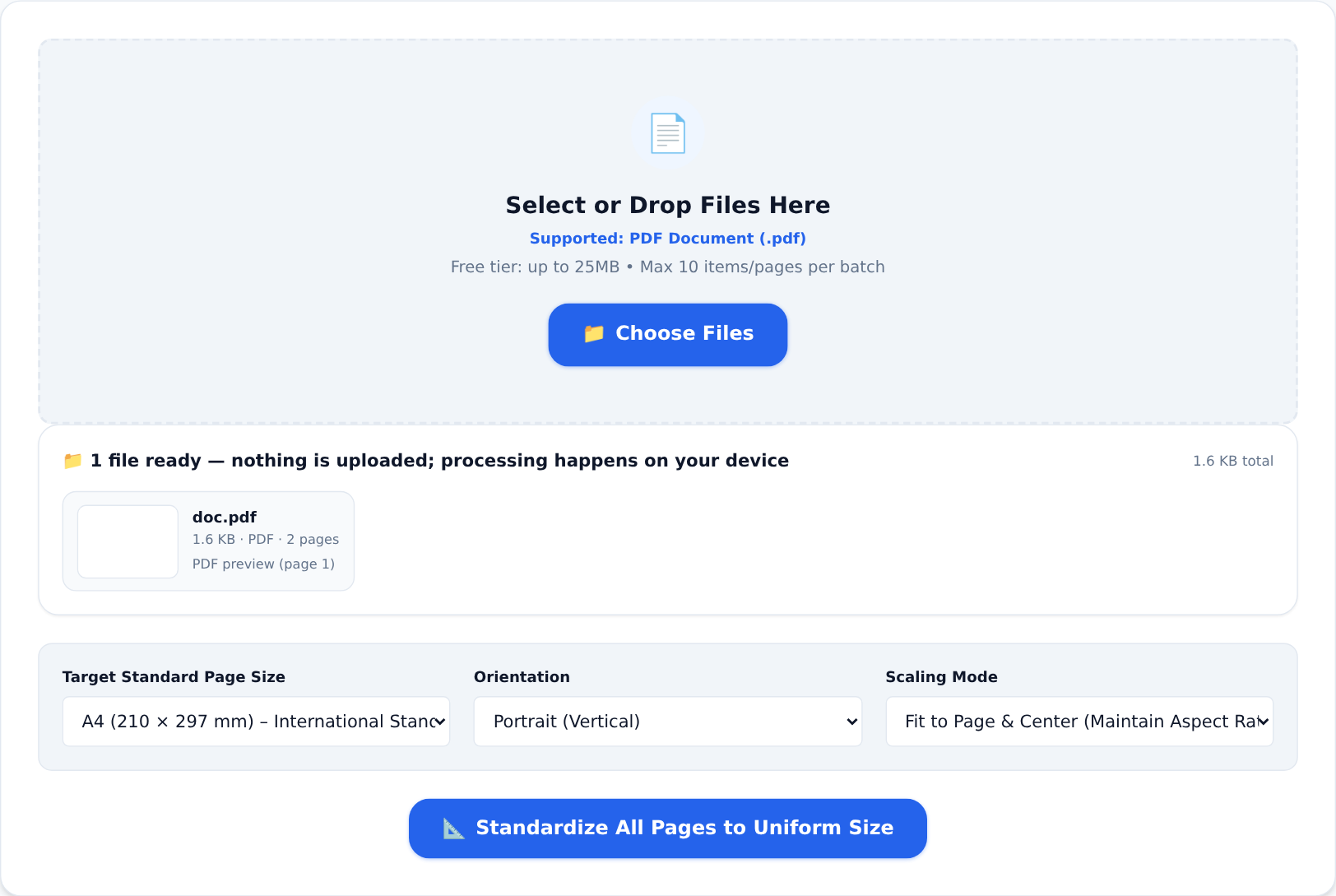
The Standardize PDF Sizes tool rebuilds every page of a document at one consistent size — A4 or Letter, portrait or landscape:
- Open the tool and drop in the mixed-size PDF.
- Choose the target size (A4 for anything destined for Nigerian offices and portals).
- Pick an orientation mode — auto-detect keeps each page's natural upright position, or force one orientation throughout.
- Download and flip through the result: every page identical, nothing cropped into mystery.
Because processing happens in your own browser, the document — a contract, a certificate, a statement — never leaves your device.
The five-minute document hygiene routine
Before any document that matters leaves your hands:
- Standardise the sizes (this tool).
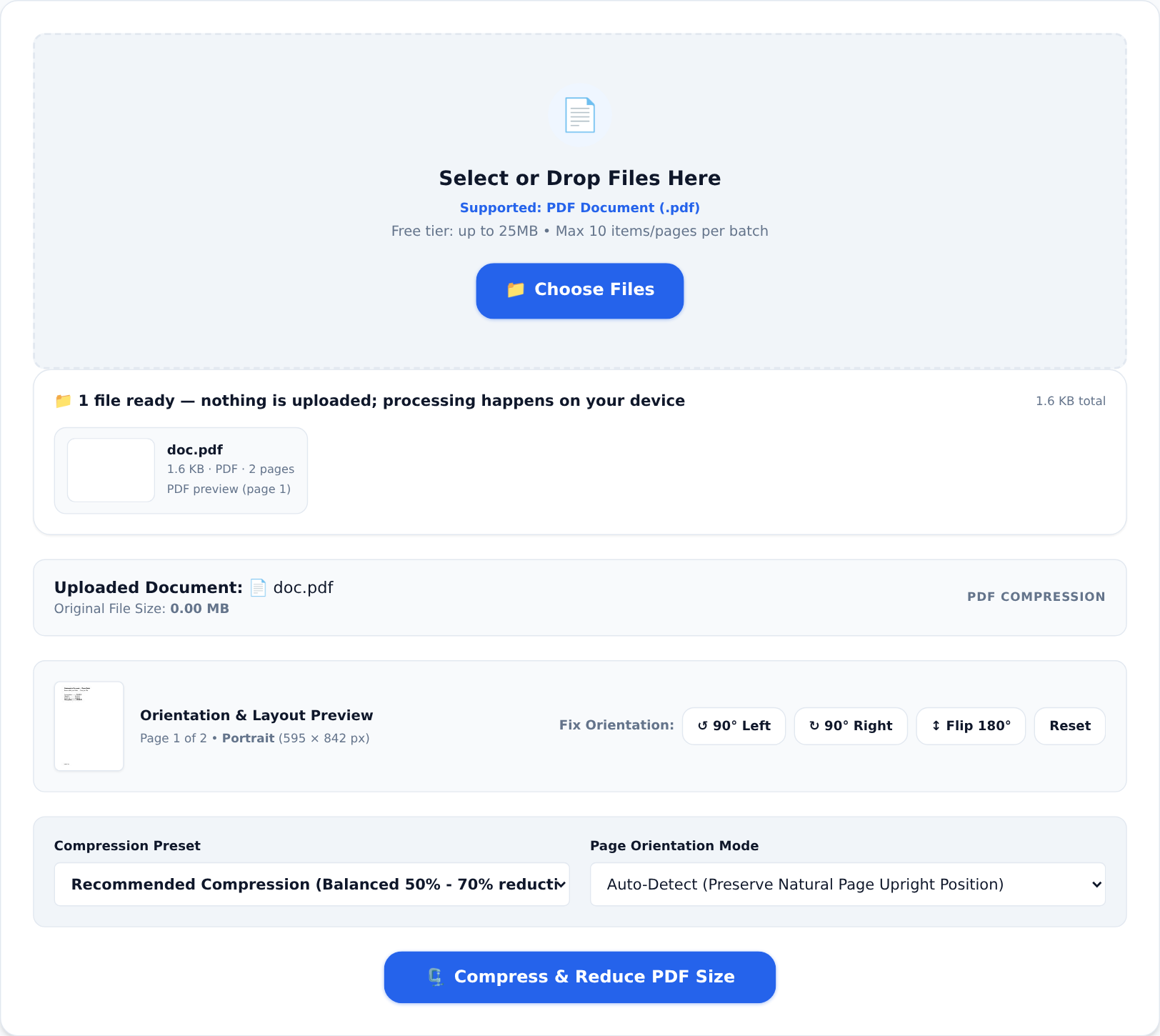
- Compress it if it is heavy — see our guide to shrinking PDFs:
- Clean the metadata with Edit PDF Metadata if the document goes to a counterparty.
- Open the final file and flip through it once, exactly the way the recipient will.
When pages are intentionally different
Some documents legitimately mix orientations — a landscape financial table inside a portrait report, for example. Standardising to a single orientation would wreck the table. In that case, standardise to one width (all A4) and let the orientation mode keep each page's natural direction. The goal is a document that feels deliberate, not uniform for its own sake.
One consistent page size is the cheapest professionalism there is: no queue at the business centre, no apologetic explanation to a reviewer — just a document that behaves like it came from an office that knows what it is doing.