
A welder foreman we know runs his entire materials book on paper: carbon copies of supply invoices, photographed whenever the accountant asks. Every month-end used to mean an evening of retyping. Now it means ten minutes with OCR — and his story generalises to far more than invoices.
A photo of text is not text
To you, a photographed receipt says "Cement x 40 — N380,000". To a computer, until recently, it was just coloured dots. OCR — Optical Character Recognition — is the technology that looks at those dots and recognises the letters, producing real text you can copy, search, total and paste into a spreadsheet or a report.
Extracting text from images, in your browser
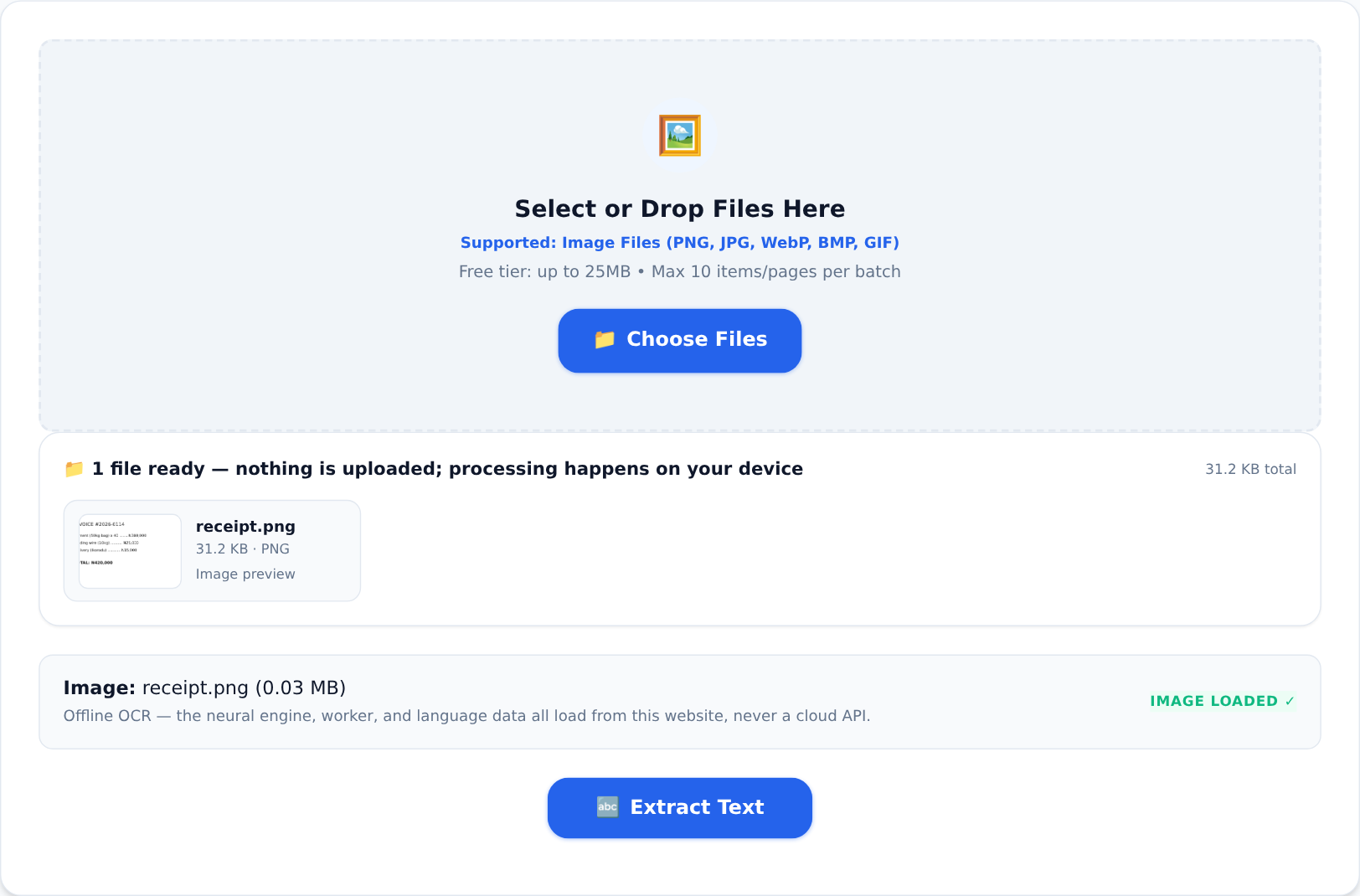





The Image to Text tool runs a full OCR engine locally in your browser — the engine, its worker and the language data all load from the site itself, and the image never leaves your device:
- Open the tool and drop in the photo — a receipt, a letter, a page, a screenshot.
- Hit Extract Text. Recognition runs on your device in seconds.
- Copy the text out, or download it. From there: paste into a sheet, an email, a record book.
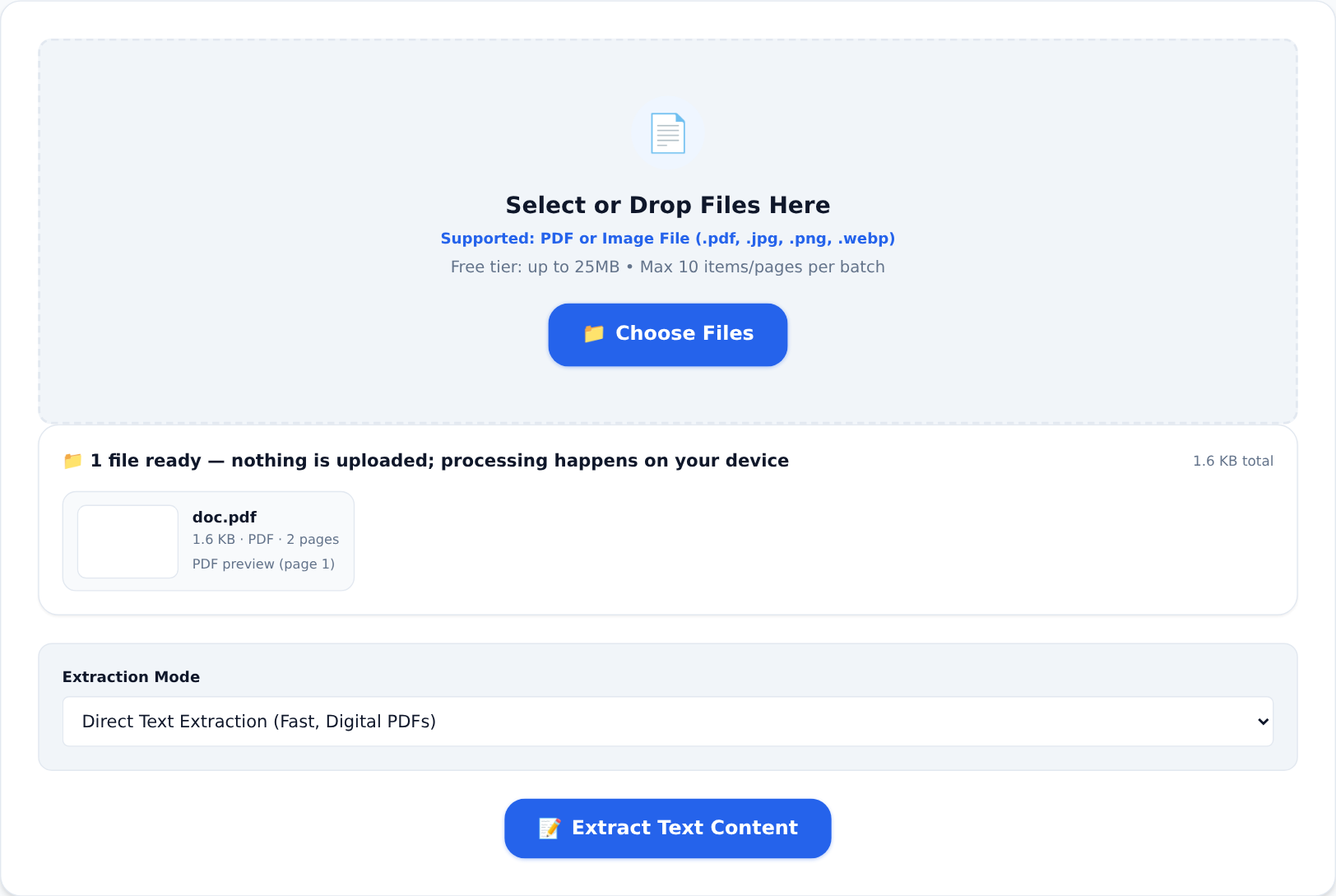
For scanned PDFs (multi-page documents rather than single photos), the PDF to Text tool does the same job page by page, with a dedicated OCR mode:
Getting numbers right — the part that matters
OCR is remarkably good at words in context and comparatively weakest exactly where money lives: digits, commas, and currency symbols. "N380,000" can misread as "N389,000" when a photo is blurry, and the sentence still looks plausible. Our habits after years of this:
- Photograph flat, straight-on, in even light. Skew and shadow are the top accuracy killers.
- One receipt per photo, filling the frame. Distance is the enemy.
- Always eye-check totals and account numbers. The eye-check is the workflow. OCR gets you 95% of the typing done; you supply the final 5% of judgement where it counts.
- Total the columns yourself. Paste into a spreadsheet, let Excel re-add the lines, and compare with the handwritten total. A mismatch points straight at the misread line.
What people actually use it for
Bookkeeping from paper receipts (the welder's story), digitising delivery notes and waybills, pulling quotes from photographed book pages, transcribing whiteboards after meetings, making printed notices searchable, extracting details from old certificates for forms. Anywhere paper meets a keyboard, OCR is the bridge.
Privacy is the quiet feature here
Invoices, receipts and letters are commercial and personal records. On a server-side OCR site, every photographed receipt — your costs, your suppliers, your customers' names — makes a trip to somebody's storage. On a local engine, the paper record becomes text without the image ever leaving the phone it was photographed on. For a small business, that is not a luxury feature; it is the difference between digitising confidently and gambling with your books.
Paper is not going away in Nigerian business anytime soon. It does not need to — the text on it is now one photo away from being usable, and the whole trick happens inside your own device.