
A customer once showed us a CAC submission rejected four times. The documents were perfect — the files were not. One was a phone photo of a certificate at a strange size, one was 11 MB, and one still had "Scanner_User" written all over its hidden properties. Portals do not read your documents the way humans do. Here is how to prepare files that pass on the first attempt.
Rule 1: Match the size limit
Almost every portal caps uploads (commonly 1-5 MB per file, sometimes 100 KB for passport photos). A scanned certificate routinely weighs 10-30 MB. Compress it with Compress PDF and open the result to confirm it is still readable — portals reject unreadable files just as surely as oversized ones.
Rule 2: Match the page size
If the portal expects A4 (most do) and your scan is a random photo size, normalise it with Standardize PDF Sizes:





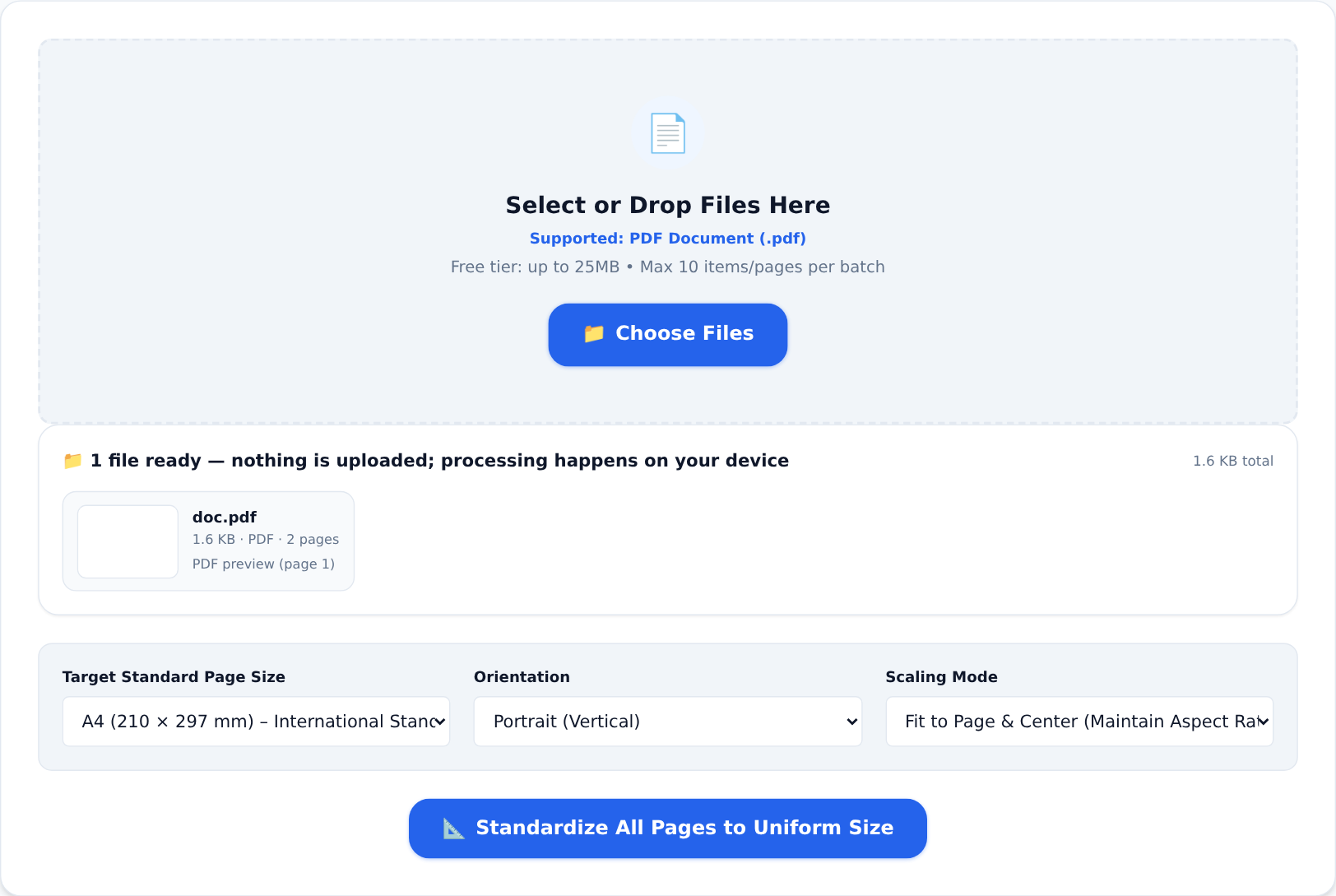
Photos of paper documents become clean, uniform A4 pages that print and process correctly — no more half-cropped pages in the reviewer's viewer.
Rule 3: Turn paper originals into real PDFs
A photo of a certificate is an image, not a document. Image to PDF wraps one or more photos into a proper multi-page PDF with consistent pages — the format portals and print shops actually want. Shoot the pages flat, in even light, straight-on; the tool does the rest.
Rule 4: Clean the hidden details
Every PDF carries metadata: the author name of whoever exported it, the software, sometimes revision history. On business documents — invoices, statements, tender responses — that is information you may not intend to share with a counterparty. Edit PDF Metadata shows and replaces it in one step:
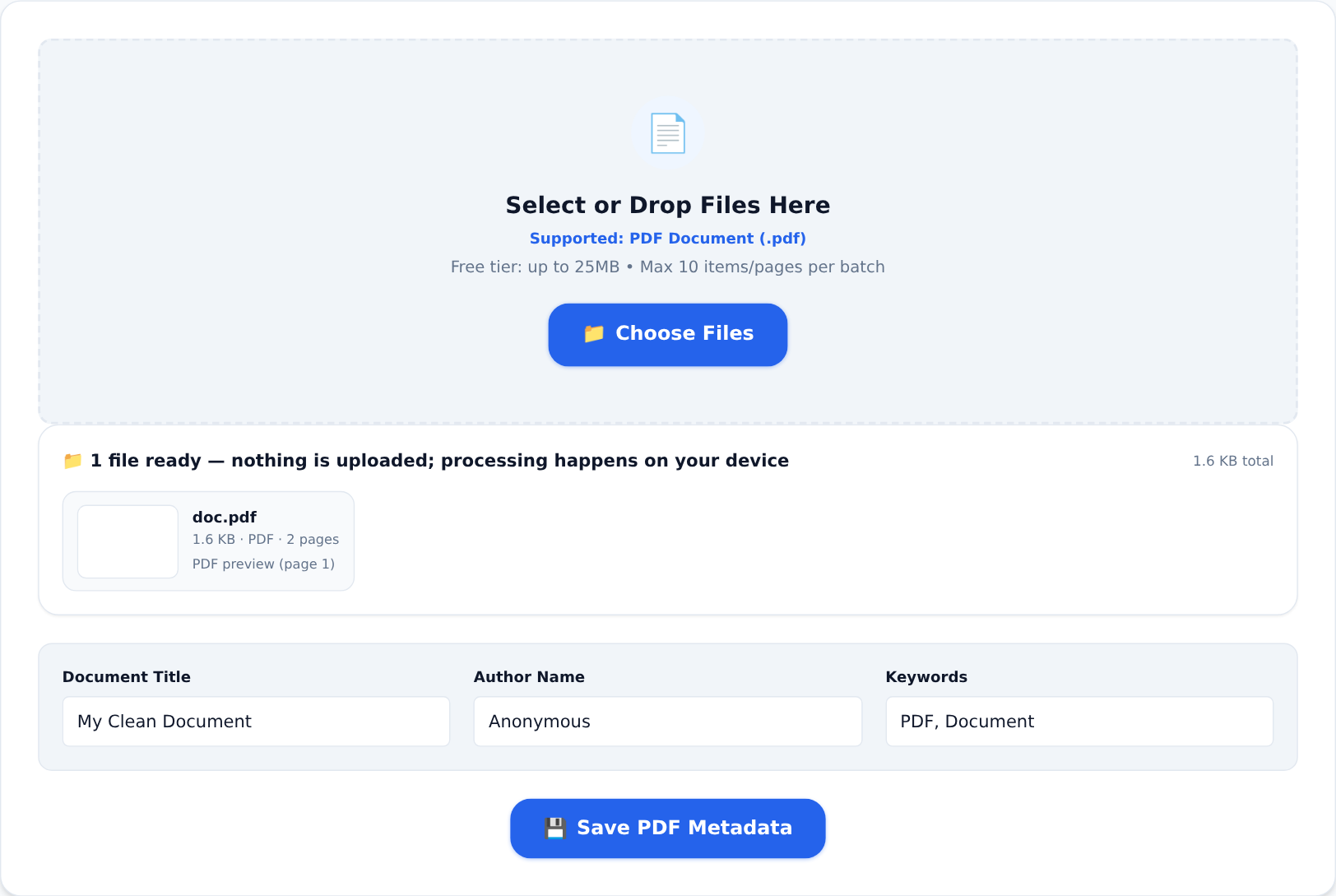
Rule 5: Send financials as documents, not spreadsheets
Tenders and account openings often ask for financials "in PDF". Exporting a live spreadsheet carelessly produces sliced columns. The Excel / CSV to PDF tool renders your sheet as a formatted A4 table — and if a portal sends you a PDF statement that you need to work on, PDF to Excel recovers the rows and columns (with real, summable numbers) instead of you retyping them.
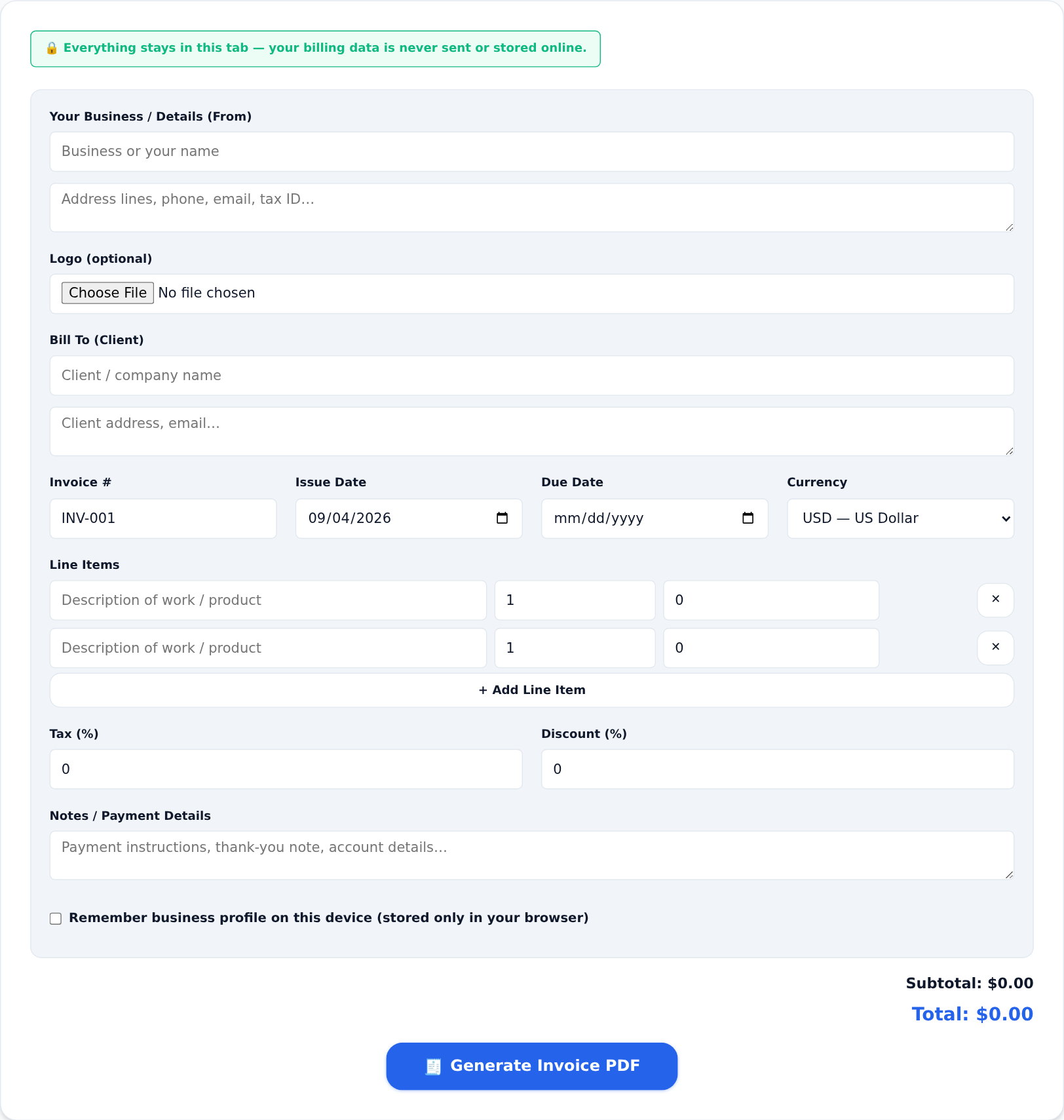
And if the document you need to submit is an invoice itself, the Invoice Generator builds a clean one directly — no spreadsheet required.
The five-minute pre-submission checklist
- File size within the portal's limit
- Pages are A4, straight, complete
- Photos turned into real PDF pages
- Metadata cleaned on anything business-related
- Open the final file one last time and read it as the reviewer will see it
That last step catches more rejections than any other. The tools are free to use for exactly this kind of occasional document work — and because everything runs inside your browser, your CAC documents, bank statements and tender figures never leave your device on the way.