
The first time a client asked a friend of ours to "sign and send back the agreement today", he printed it, signed it, discovered the estate's scanner was down, and paid a business centre to do what his phone could have done in thirty seconds. This is the thirty-second version, plus everything the business centre would not tell you.
Drawing your signature once
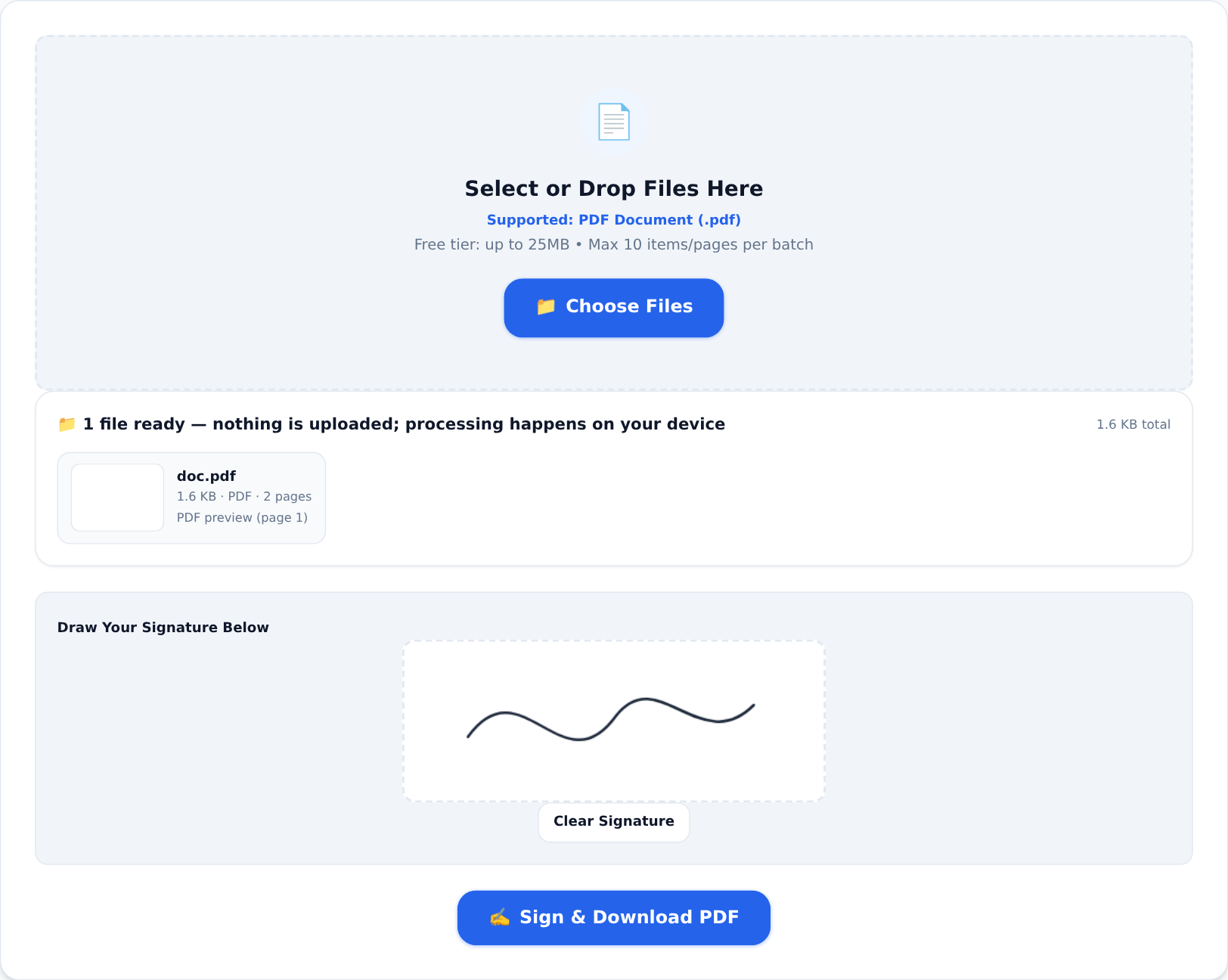
The Sign PDF tool turns your phone screen into a signing pad:





- Open the tool and load the document.
- Draw your signature on the pad with your finger — the way you would with a pen. Steady surface, slow hand.
- Place it on the page where the signature belongs and download the signed PDF. Nothing was uploaded anywhere; the document and the signature were handled entirely in your browser.
For a reusable version — a clean signature image with a transparent background you can drop into invoices, letters and documents repeatedly — the Signature Generator draws once and exports the PNG.
Is an electronic signature actually valid?
For everyday agreements — tenancy renewals, supplier forms, offer letters, school documents, service contracts — electronic signatures are widely accepted in Nigeria, and a signed PDF is a normal, defensible record of assent. The signature shows intent the same way ink does.
The honest caveats, because this is legal-adjacent: for high-value transactions, land matters, or anything heading toward a court challenge, ask what the receiving party requires. Some institutions still insist on ink; a few want signatures on specific pages or in specific colours. The technology is ready — the requirement, when it exists, is theirs to state. Ask once, in writing, and you will never wonder.
The full sign-and-send flow
Signature is usually step three of four:
- Prepare — if the document arrives as photos or loose scans, Image to PDF turns them into proper pages.
- Complete — if you also owe figures, the Invoice Generator produces a clean invoice document you can sign alongside:
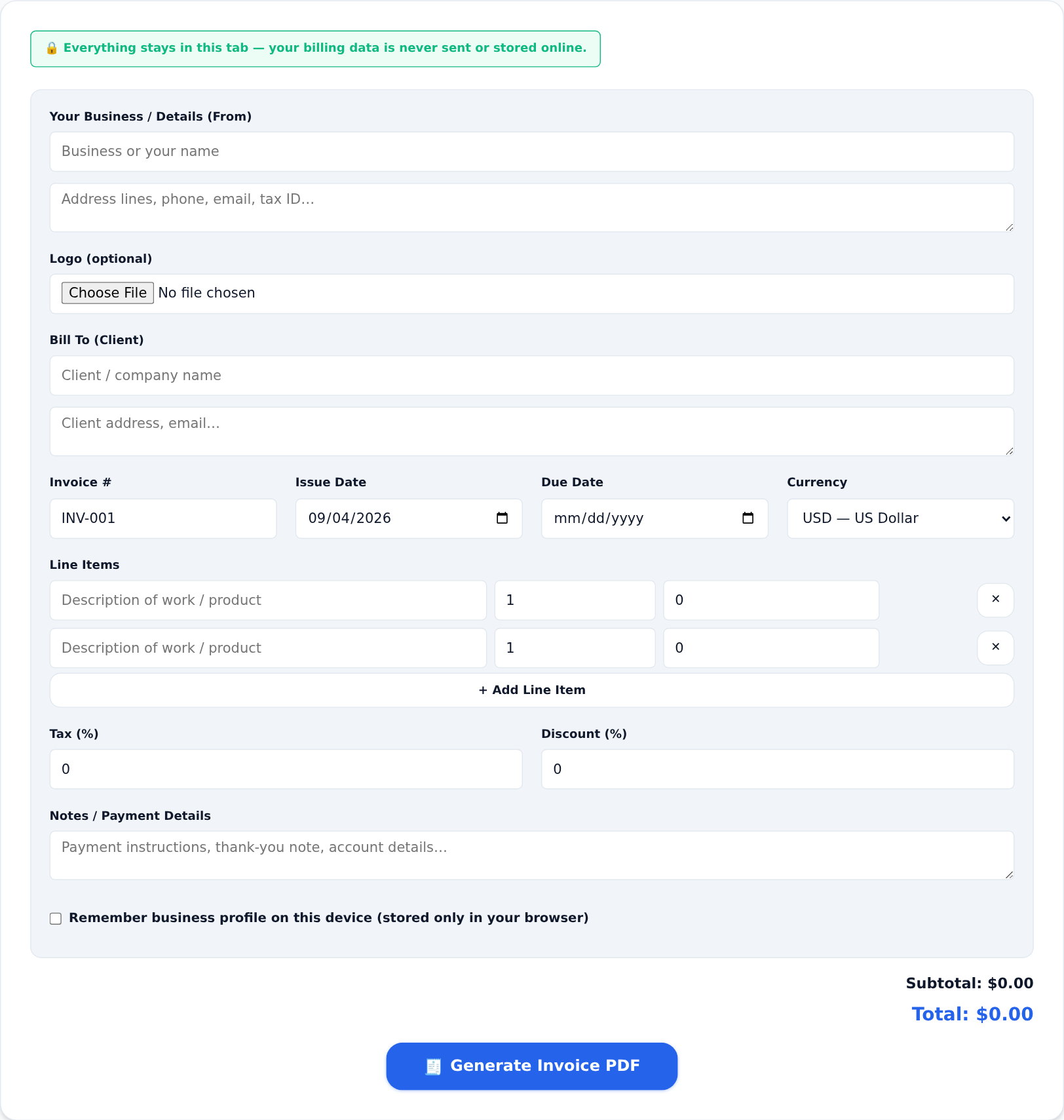
- Sign — Sign PDF, as above.
- Send — Compress PDF if the result is heavy, then attach. The guide to the print-sign-scan problem covers this loop in full.
Habits that make life easier
- Sign once, store the PNG. The generator's transparent signature image drops into any future document — consistency across documents reads as professionalism.
- Name the file properly. "Signed — Tenancy Renewal — Plot 14 — March.pdf" beats "document(4).pdf" in anyone's inbox.
- Keep a copy of everything you signed. The signed PDF is your evidence of what you agreed to and when. File it like the paper it replaced.
The business centre still has its place — lamination, photocopies, forms that truly need ink. But for the everyday sign-and-return loop, the queue is over. The signature pad is in your hand already.