
Half the "my PDF is not opening" messages we receive turn out to be the other kind of lock entirely. Here are the two locks, and how each one works.
Two locks, two different jobs
PDF security confuses people because one file format has two unrelated password systems:
- An open password (user password) is the lock on the front door. Without it, the file does not open at all. If a client sends you a statement protected this way, you must ask them for the password — nothing else works.
- A permission lock (owner password) does not stop the file opening. It stops actions: printing, copying text, editing, annotating. Files locked this way open instantly but refuse to cooperate — you can read the pages but printing is restricted or copying gives nothing.
Most of the world's frustration comes from the second kind: you can see the document, but you cannot print it for your own filing.





Removing a permission lock you are entitled to remove
If a document is yours to use — your bank statement, your insurer's letter, a report you were sent for work — removing the action restrictions so you can print or archive it is a normal, legitimate need. The Unlock PDF tool handles it:
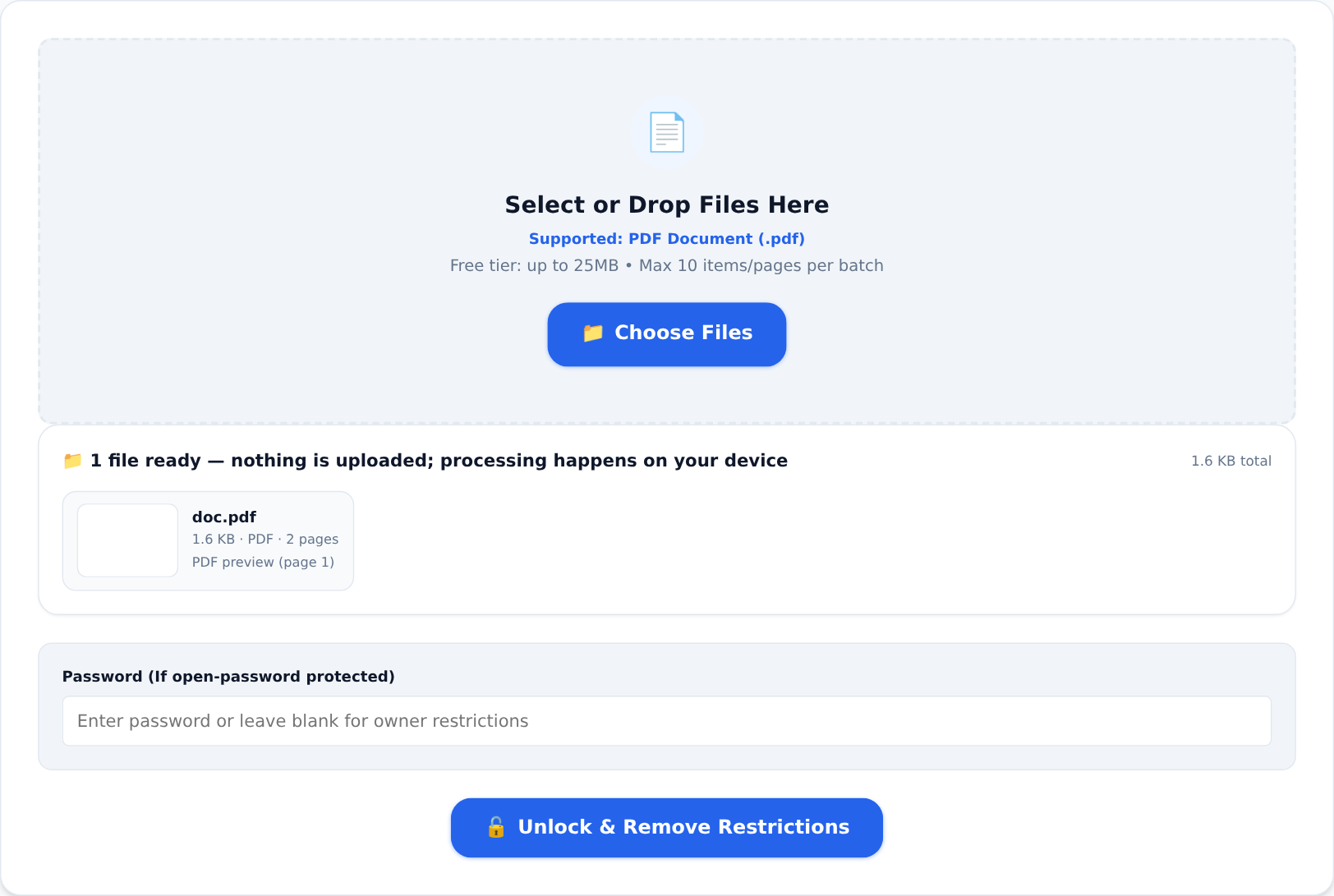
Load the file, and if it opens without a password (permission-locked), the tool rebuilds it without the restrictions. For files with a true open password, enter the password you were given into the password field — with the correct password the file decrypts and can be saved without it for easier future access.
Adding protection the same way
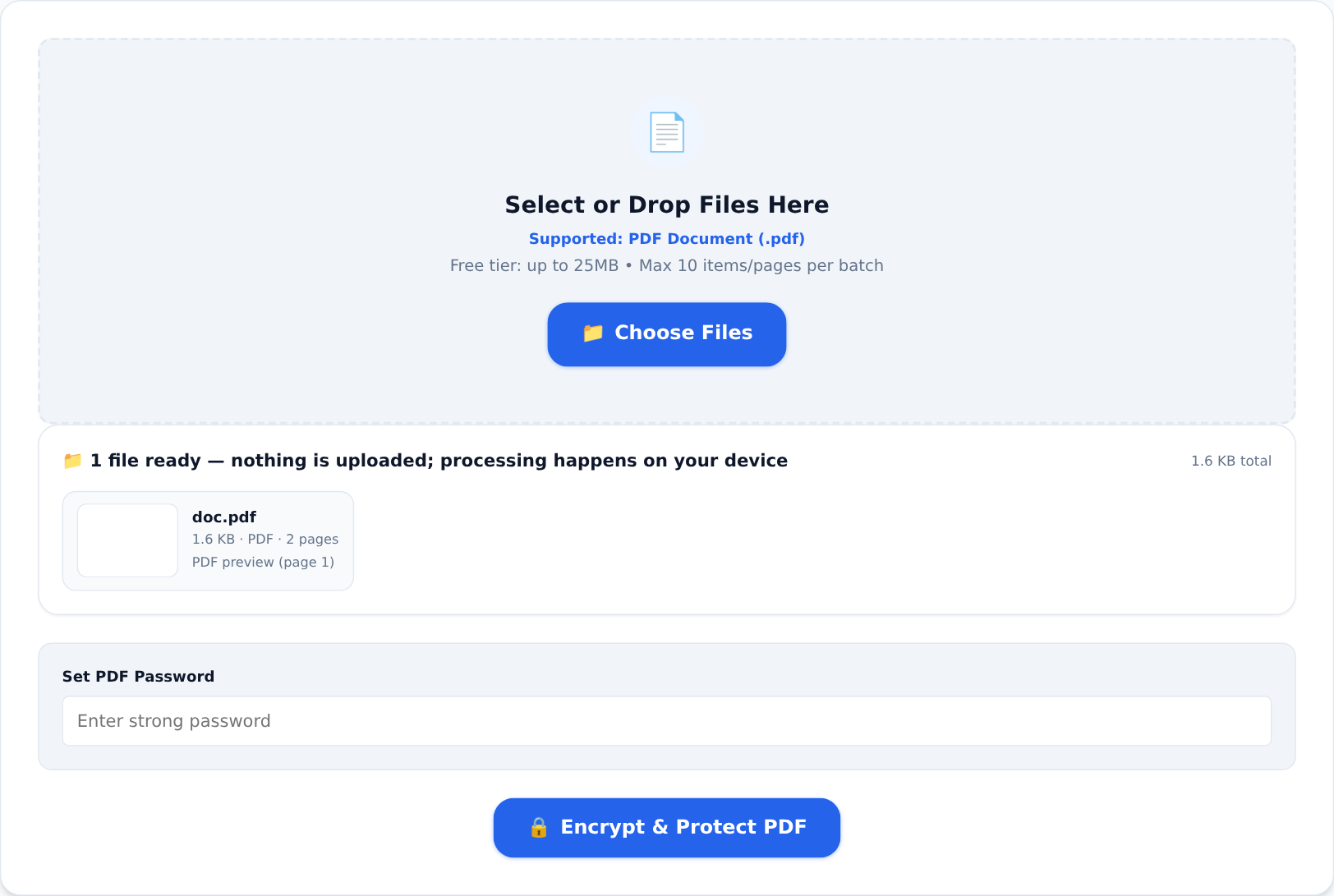
The mirror-image task matters just as often. Protect PDF takes any document and applies real encryption before it travels:
- set an open password when the content is genuinely confidential — salary details, medical results, tender documents — so that losing the file in transit does not mean losing control of it;
- attach permission restrictions when recipients should read and print but not modify;
- use a real passphrase. "invoice2024" falls to automated guessing in seconds. Four unrelated words are stronger and easier to remember.
One warning that comes with the convenience: if you lose an open password, it is gone. Encryption with a lost key is mathematics, not a support ticket. Keep passwords in a password manager, or keep the unprotected original somewhere safe.
The ethics and law, plainly
Only remove locks from documents you own or are entitled to use. Removing protection from someone else's confidential or copyrighted material is not a clever trick — it is unauthorised access, and the laws about that are not vague.
Both tools run entirely in your browser, so the protected or unlocked file — and its password — never leave your device.