
Every week somebody tells us the same story. A client, a landlord or a school asked them to "print, sign and scan" a document back. So they joined a queue at a business centre, paid for printing and scanning, and emailed low-quality photos of their own contract. If the document touches your salary, your tenancy or your business, that loop deserves a better answer.
The loop, and where it breaks
The print-sign-scan loop exists for one reason: a signature had to be ink. That stopped being true years ago — for everyday agreements (offer letters, tenancy renewals, supplier forms, school documents), an electronic signature is widely accepted in Nigeria. The signed PDF is your record, and the signature shows intent just like ink does.
Doing the whole loop on your phone
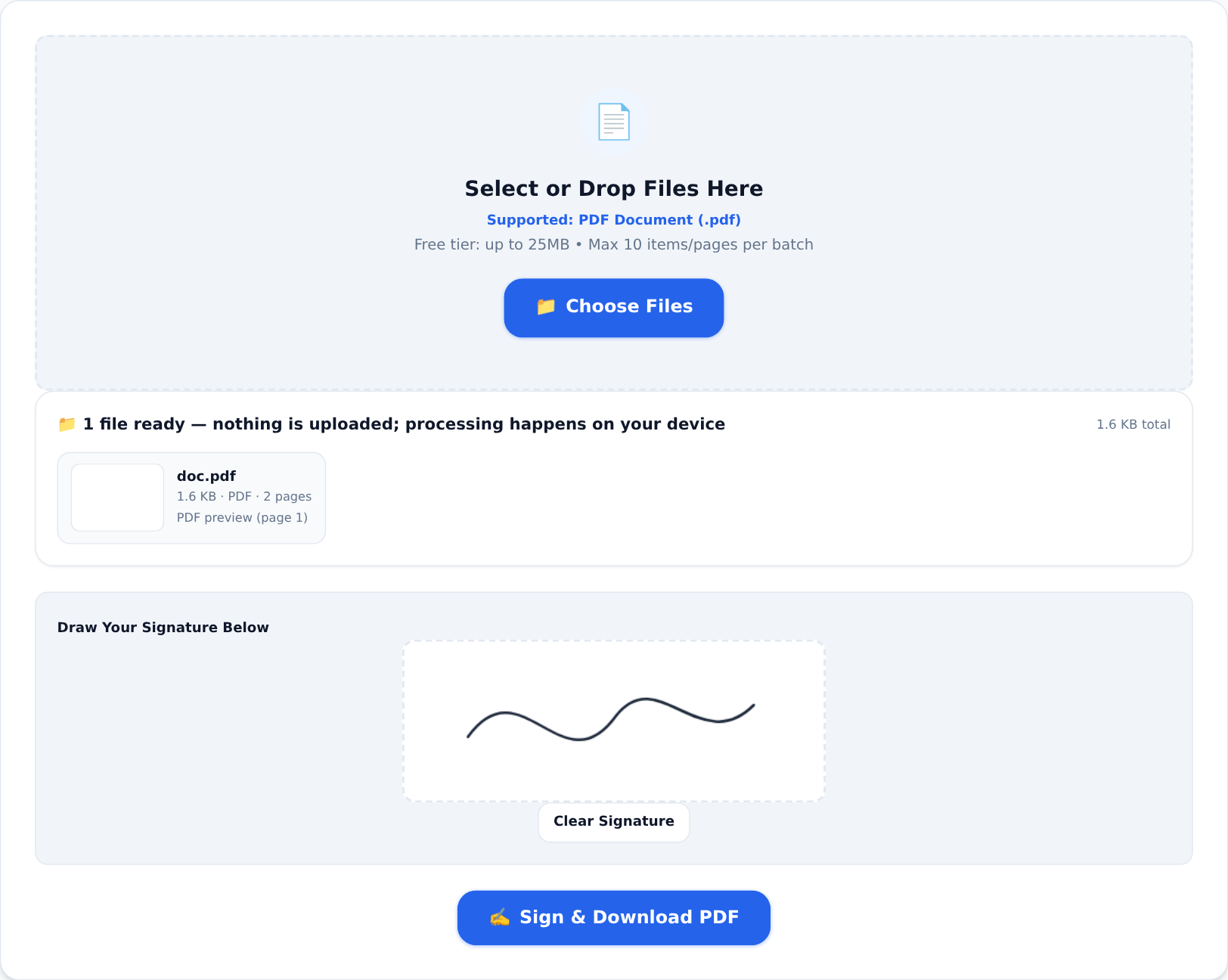





- Sign it. Open Sign PDF, pick the document, draw your signature on the pad with your finger, and place it on the page. Ten seconds. (For a reusable signature image with a transparent background, use the Signature Generator instead.)
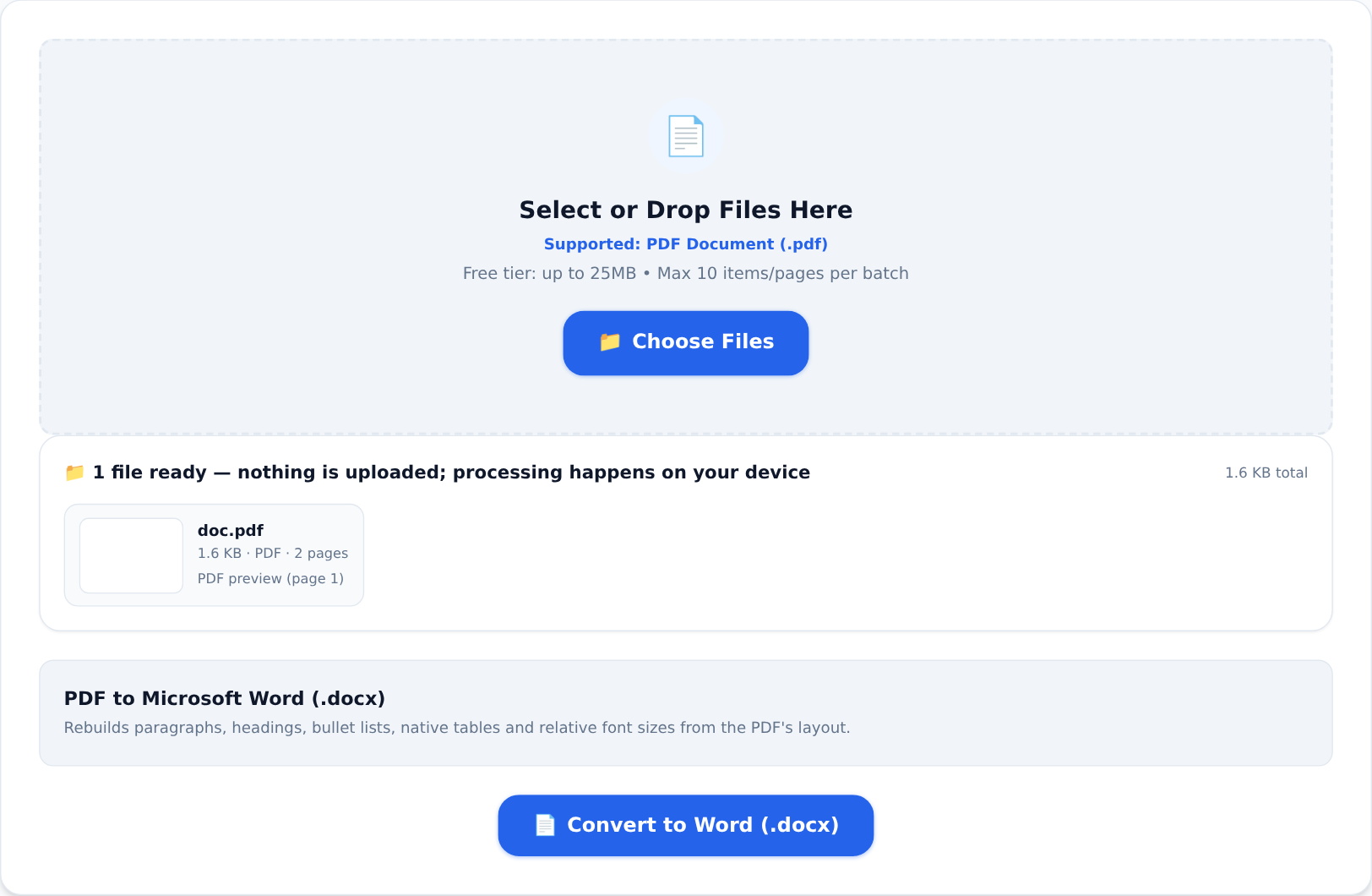
- Check what you are sending. When you pick a file, the tool shows you exactly what is in it — page count, size, a preview of the first page — before you process anything:
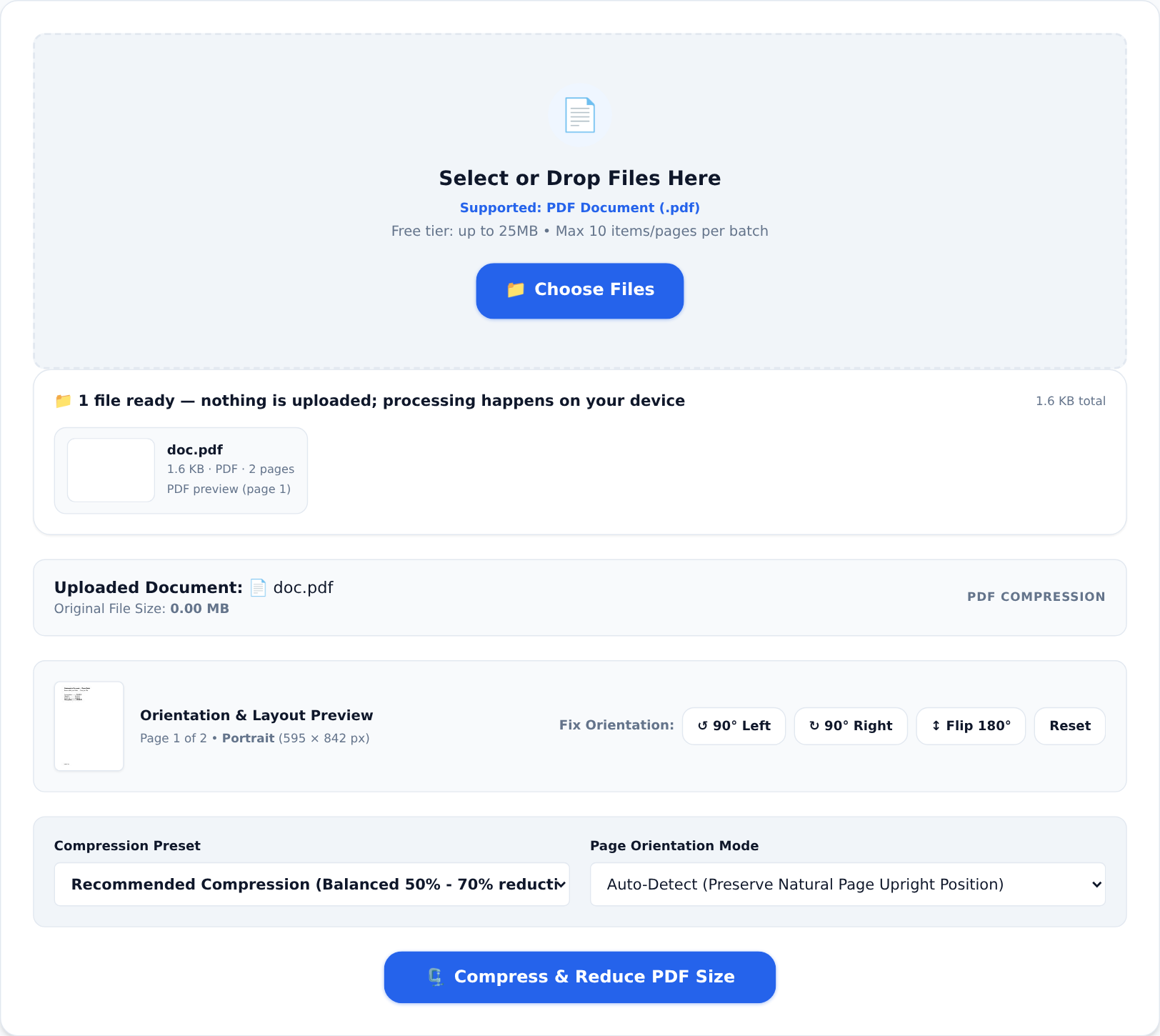
- Shrink it if the email bounces. Scanned-or-signed files are often bigger than email limits. Compress PDF cuts them down in one tap:
- Send. The document your counterparty receives looks like it came from an office — because it did. Yours.
What it costs
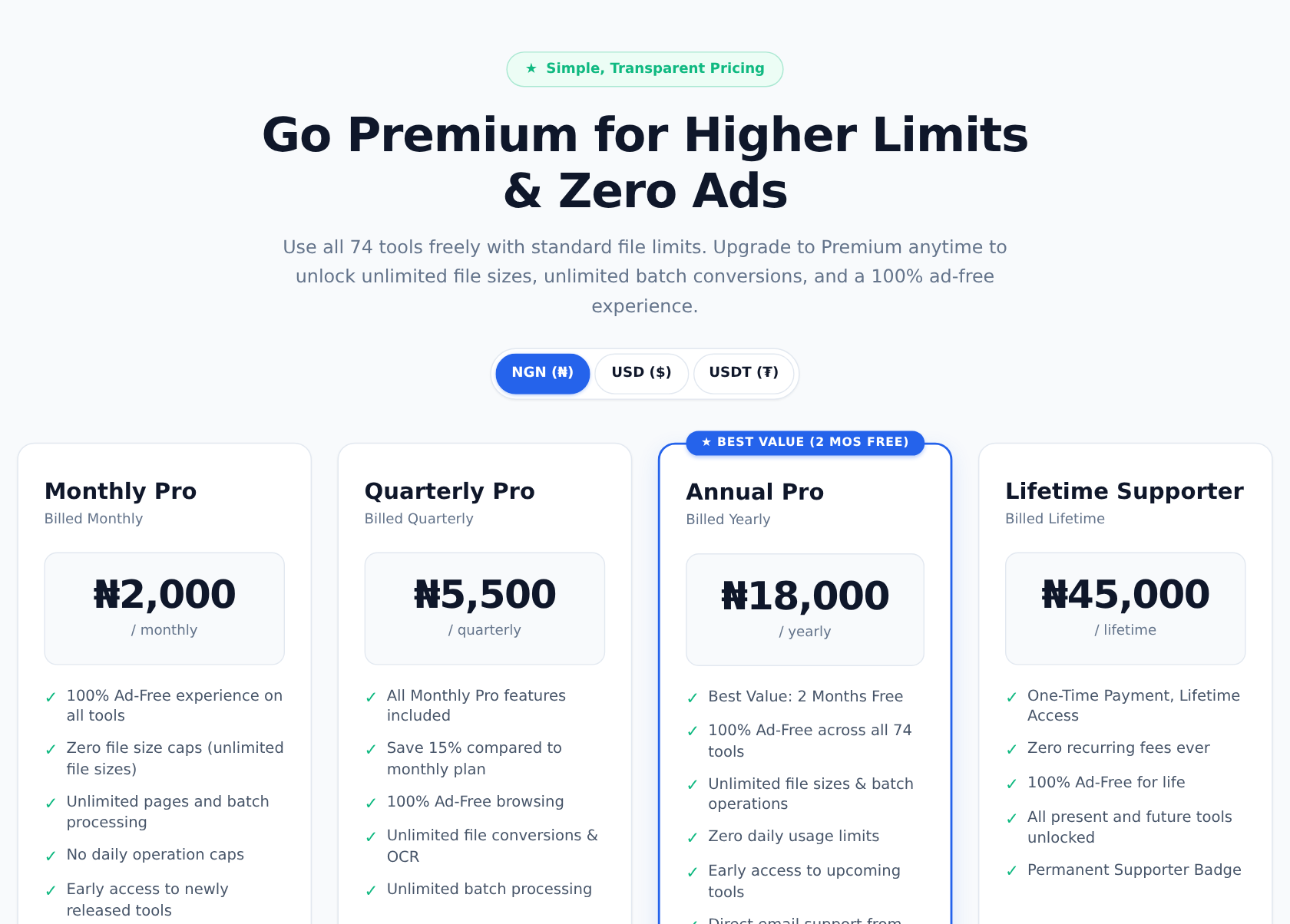
Nothing, for occasional use. The free tier covers files up to 25 MB with a daily allowance per tool. If you process documents all day — estate agents, school bursars, small business owners — the Pro plans remove the caps for less than a month of business-centre fees.
The part that matters more than money
That contract contains your salary. That tenancy agreement contains your address. At a business centre, those pages pass through other people's hands and computers. On KiaKia Tools, the signing, compressing and converting happen inside your own browser — the file never leaves your phone, because there is no server doing the work. You can literally switch off your data after the page loads and everything still works.
One honest caveat
For high-value transactions or anything heading to court, ask what the receiving party requires — some insist on ink, some accept electronic signatures, a few want them on specific pages. The technology is ready; the requirement is theirs to set.
The business centre is a fine place to print lamination and photocopy ID cards. For signing and sending documents, your phone is now the better queue.