
School systems run on uploaded PDFs: assignments, transcripts, certificates, project work, NYSC and JAMB-style portals. Most of the stress is not the work itself — it is the file wrangling around it. This is the toolkit we recommend to students and corpers, and it is all free to start.
Assignments: submit documents, not screenshots
A Word file can look different on every computer — fonts shift, pages reflow, your neat cover page falls apart. Convert it to PDF before submitting with Word to PDF: the layout locks, and it opens identically everywhere your lecturer might open it. (Wrote it as plain text or Markdown? Markdown to PDF handles that too.)
The document combination everyone gets wrong
Transcripts, certificates, and project covers usually must arrive as one PDF in a fixed order — not three attachments. Merge PDF does it properly:





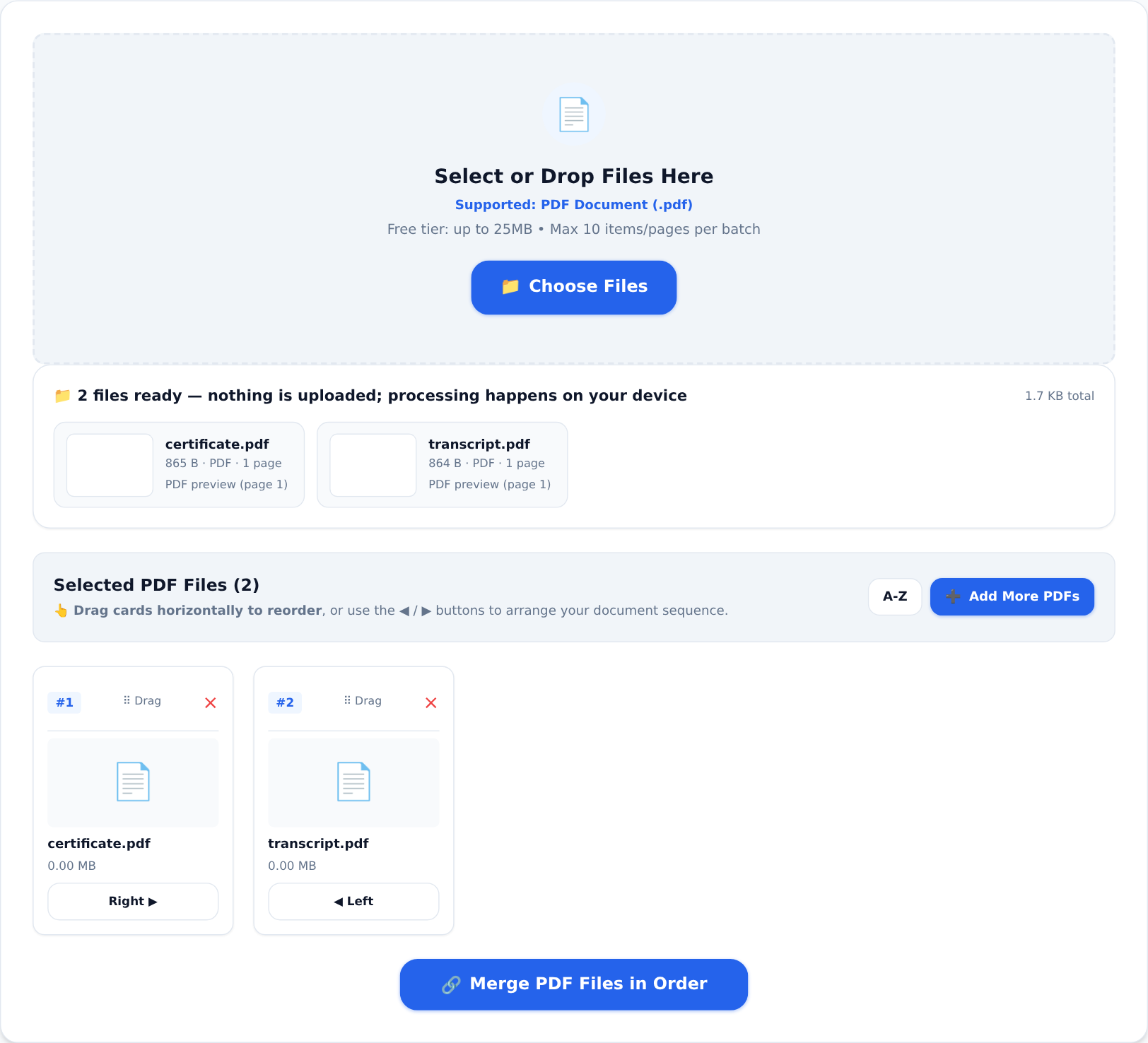
Drop the files, drag them into the right order, merge. One file, correct sequence, no "please arrange and resend" email afterwards.
Paper certificates: photo to PDF, properly
If your certificate or result slip exists only on paper, photograph it flat and in even light, then convert with Image to PDF:
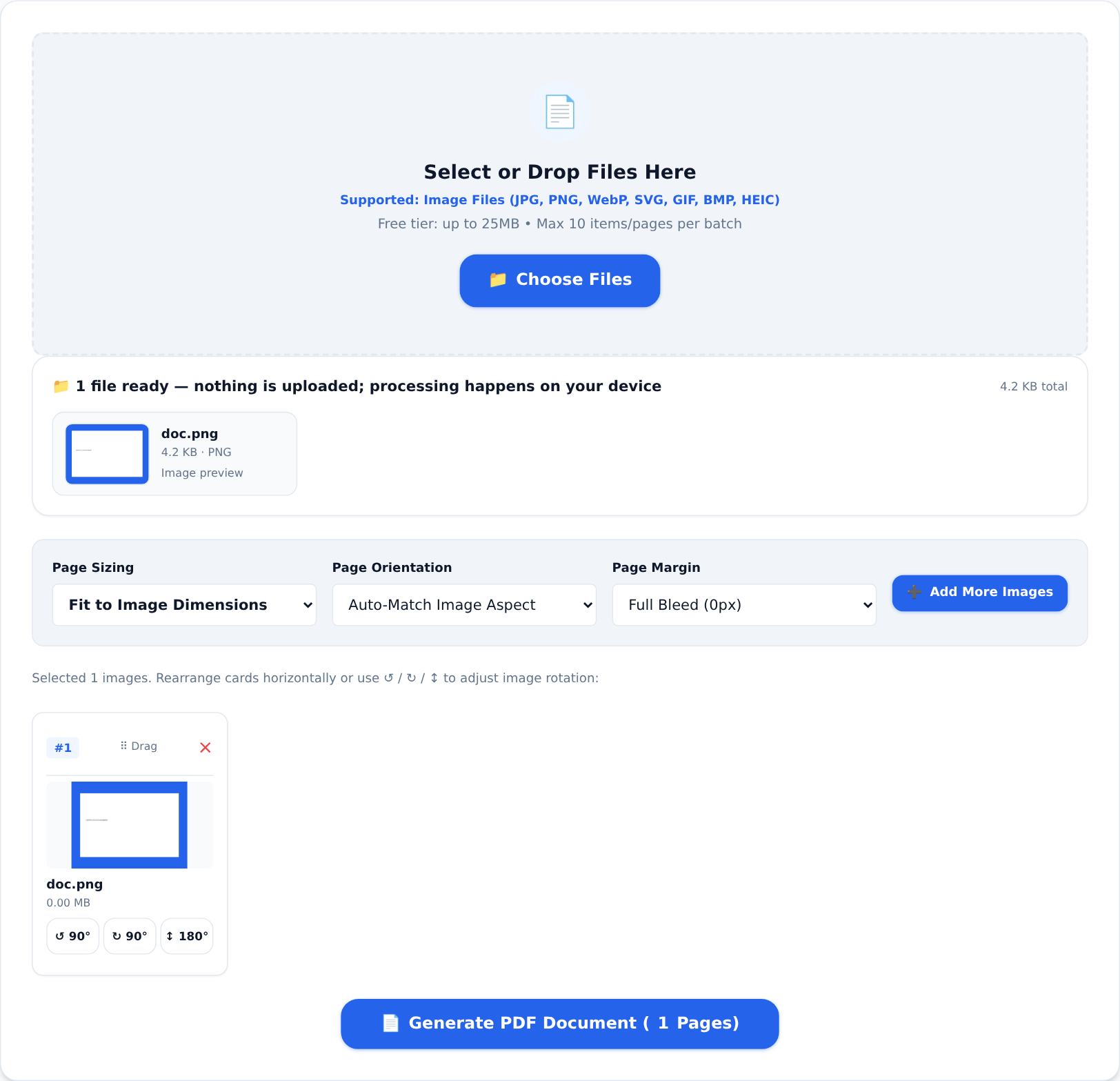
You get a clean document-style PDF, not a raw camera image rotated the wrong way — which is exactly what upload validators and print shops want.
"File too large" at the upload button
Portals cap file sizes, and scanned documents blow past them easily. Compress PDF shrinks the file; the guide to shrinking PDFs covers how to do it without wrecking quality. Check the portal's stated limit first — it is usually on the upload page itself.
Signatures on project pages
Your project's approval page needs three signatures you do not have ink for yet. Sign PDF lets you draw your signature and place it on the page; your supervisor can sign the same file their own way, or you can collect the ink version and scan-merge it in. Either way the final PDF is what gets bound and submitted.
Two habits worth stealing
- Name files properly before uploading. "SURNAME_Firstname_MatrixNo_Assignment2.pdf" beats "doc2 (3).pdf" in a lecturer's download folder.
- Keep the original. Compressed, merged, signed copies are for sending; the untouched originals are your evidence if anything goes wrong.
Everything above runs inside your browser on your own device — no uploads, no account required to start, and the free tier's daily limits are generous enough for a full assignment run. Good luck with the defence.