
You exported a report, the software locked it, and now — months later — you need to print it, and nobody remembers any password. Few document frustrations are more universal. Here is what is legitimately possible, and where the line sits.
The two PDF locks, quickly
PDFs carry two unrelated password types. An open password locks the front door: without it, the file will not open. A permissions lock (owner password) lets the file open but blocks printing, copying or editing. Most real-world suffering comes from the second kind — you can read the pages on screen, but the printer refuses and copy-paste gives nothing.
Removing a permissions lock you own
If the document is yours — your exported report, your bank statement, a file you were sent to use — removing the action restrictions is a normal housekeeping task. The Unlock PDF tool handles it entirely in your browser:





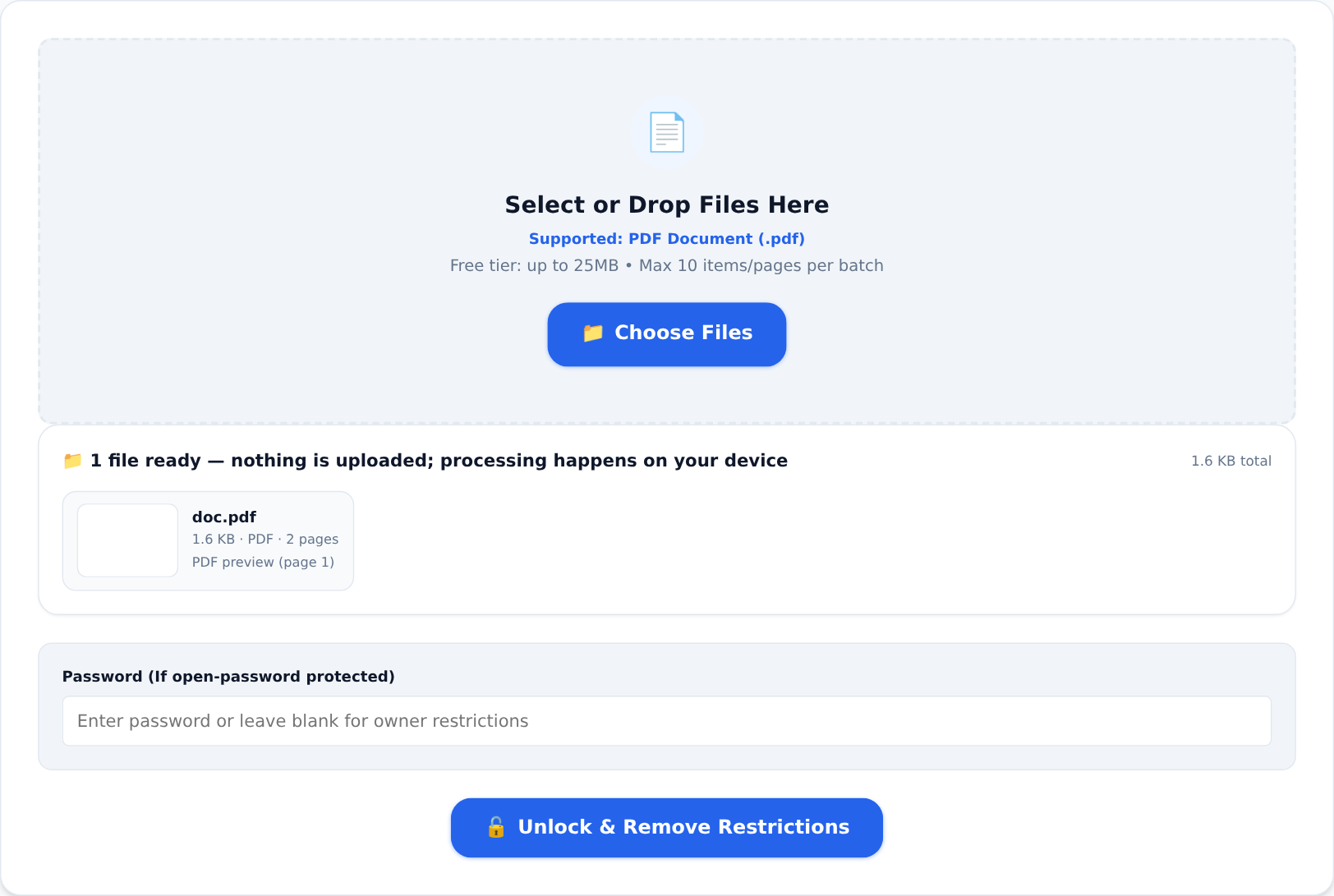
Load the file. If it opens without a password (the permissions-locked case), the tool rebuilds it without the restrictions — print, copy and annotate freely. If the file demands an open password, enter the password you already have into the password field; with the correct password the file decrypts and can be saved without it, so the next device in your workflow opens it without drama.
Why this is legitimately useful
- Archival. A locked file from a dead payroll system will outlive both the software and the vendor. Unlock your own records before the password becomes archaeology.
- Accessibility. Screen readers and text-to-speech tools often cannot read permission-locked text. Unlocking a document you own makes it readable again.
- Printing. The most common need, and the least dramatic: you paid for the printer, the paper and the document.
Where the line is — do not cross it
Only remove locks from documents you own or are entitled to use. Stripping protection from someone else's confidential material, a copyrighted document you did not buy, or anything you were given under restriction is not a workaround — it is unauthorised access, and the law does not care that the button was right there. If a locked file arrived from a lawyer, a bank or an employer and you are unsure of your rights, ask them for an unlocked copy. That email costs nothing; the alternative can cost a lot.
The habit that prevents all of this
Keep a password manager, and keep one unprotected master of every document you create. Lock files generously when you send them — Protect PDF applies real encryption right in the browser:
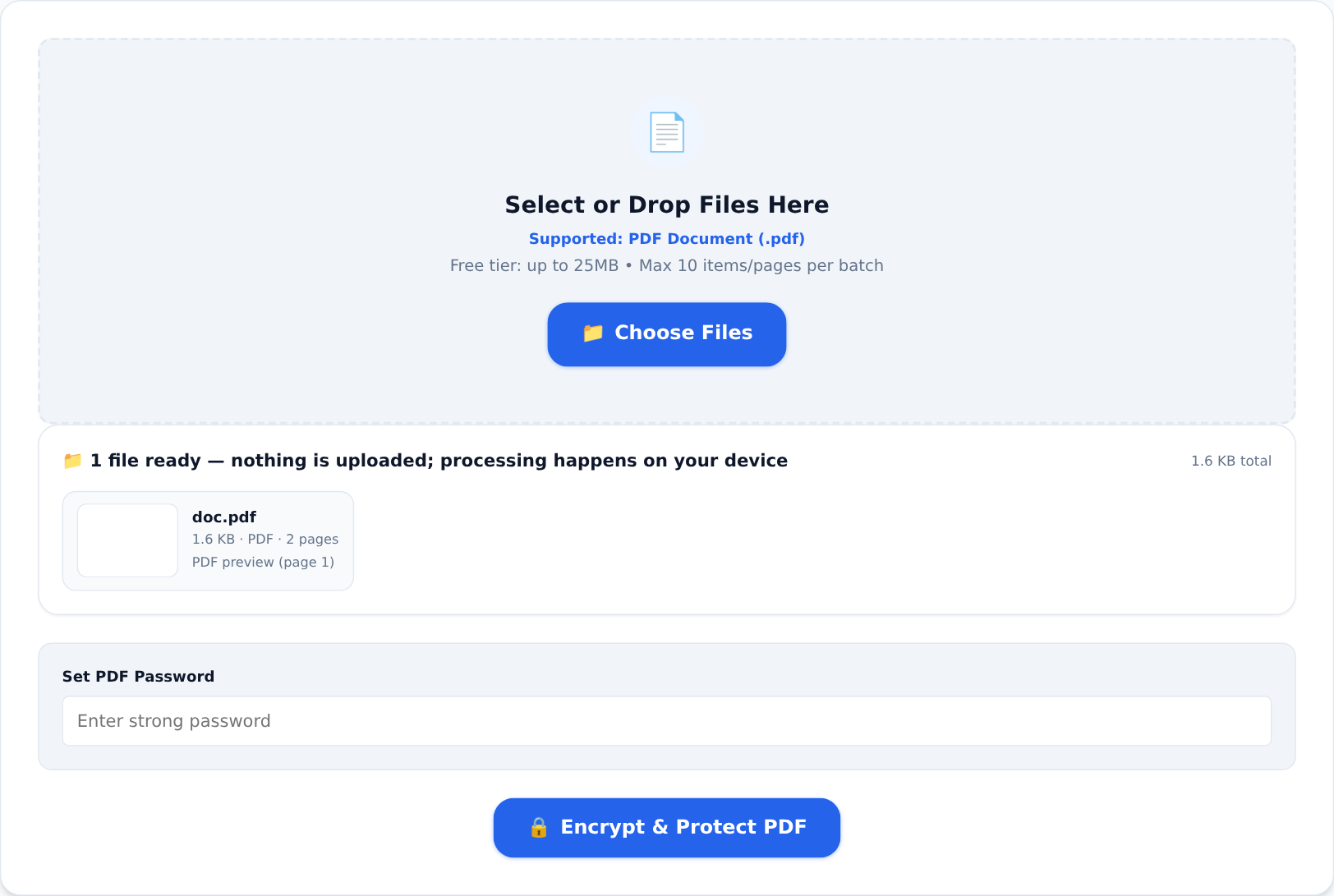
but keep your own copy open and archived. Locks are for transit and strangers, not for your future self.
One more honest warning, since we would rather say it twice: if you genuinely lose an open password, the file is gone. Strong encryption with a lost key is mathematics, not a support ticket. Unlock the files you own while the passwords still exist.