
People ask why KiaKia Tools looks different from every other converter site — no upload progress bars, no "your file will be deleted after 1 hour" promises. This post is the honest answer.
The two architectures behind every online tool
Every "online converter" works in one of two ways, and the difference is the most important privacy fact on the internet:
Server-side tools upload your file across the internet to a company's computer. Their software processes it there, puts the result up for download, and — if the company is well-behaved — deletes the original after a while. While the file sits on that server it is readable by the systems around it: the operator, their hosting provider, anyone who breaches that server, and any process configured to log uploads.





Client-side tools download a program to your browser instead, and the program processes the file on your device. Nothing is uploaded, because the work happens where the file already is. When it finishes, the new file is in your downloads folder and the original never moved.
How a browser can possibly edit a video
The magic ingredient is WebAssembly, a standard that lets browsers run compiled programs at near-native speed. Real, heavy software — a video encoder, an OCR engine, a PDF library — is compiled to WebAssembly and served once to your browser, which executes it locally. Your phone or laptop becomes the processing server.
That is why a client-side tool "loads the engine" on first use: it is fetching the program, not your file. After the first run the engine is cached and starts instantly.
What this means for a real document
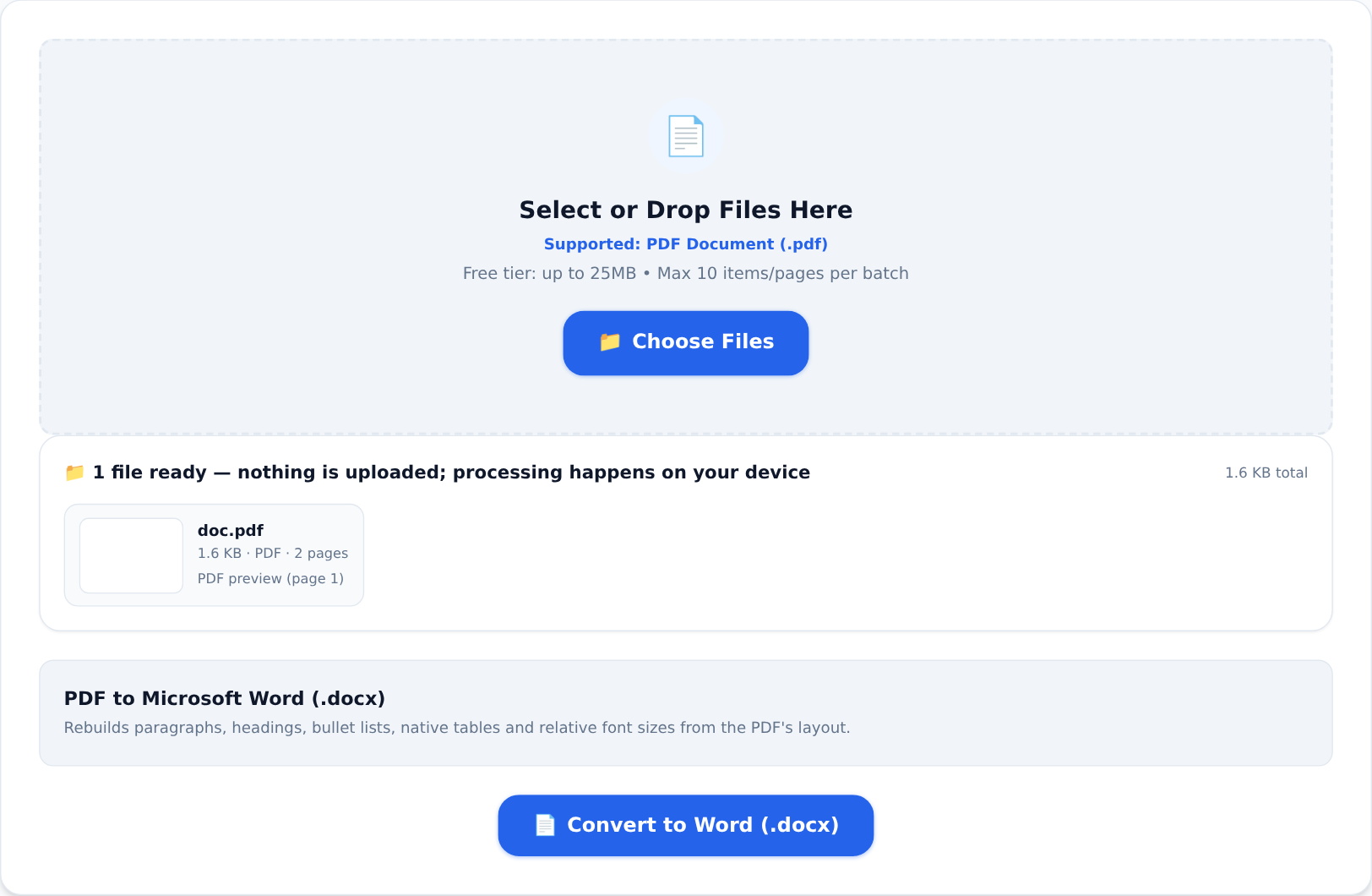
Take the documents people actually handle — a contract with salary figures, a scan of a bank statement, photos of children, a customer list:
- With a server-side converter, those files have been somewhere. You are relying on a privacy policy, a retention promise, and a server that does not get breached.
- With a client-side tool like the ones on KiaKia Tools, the file never leaves the device. There is no upload bar during processing because there is no upload. You can switch off your Wi-Fi after the page loads and the tool will still work.
That offline test is the honest way to check any tool's claim: load the page, disconnect the network, process a file. If it completes, the processing truly was local. We encourage you to run it on us.
Trade-offs, stated plainly
Local processing borrows your device's power, so big jobs take real time and very large files are bounded by what your browser can hold — hence the free tier's file-size caps. Server tools can throw huge machines at your file. You are choosing between borrowing a data centre you cannot inspect, and using the computer you already own and trust.
For grocery lists, either is fine. For anything you would not staple to a lamp post — contracts, IDs, financials, medical papers — the local option is the one where nobody, including us, ever had the chance to see your file.
Five questions to ask any online tool
- Does the file get uploaded, or processed in the browser?
- If uploaded, for how long is it retained — and is deletion automatic or on request?
- Where is the server, and under which privacy law does it operate?
- Is the connection encrypted in transit?
- Can I verify locality myself — say, by going offline?
Tools that process locally welcome all five questions. That, in itself, tells you something.